

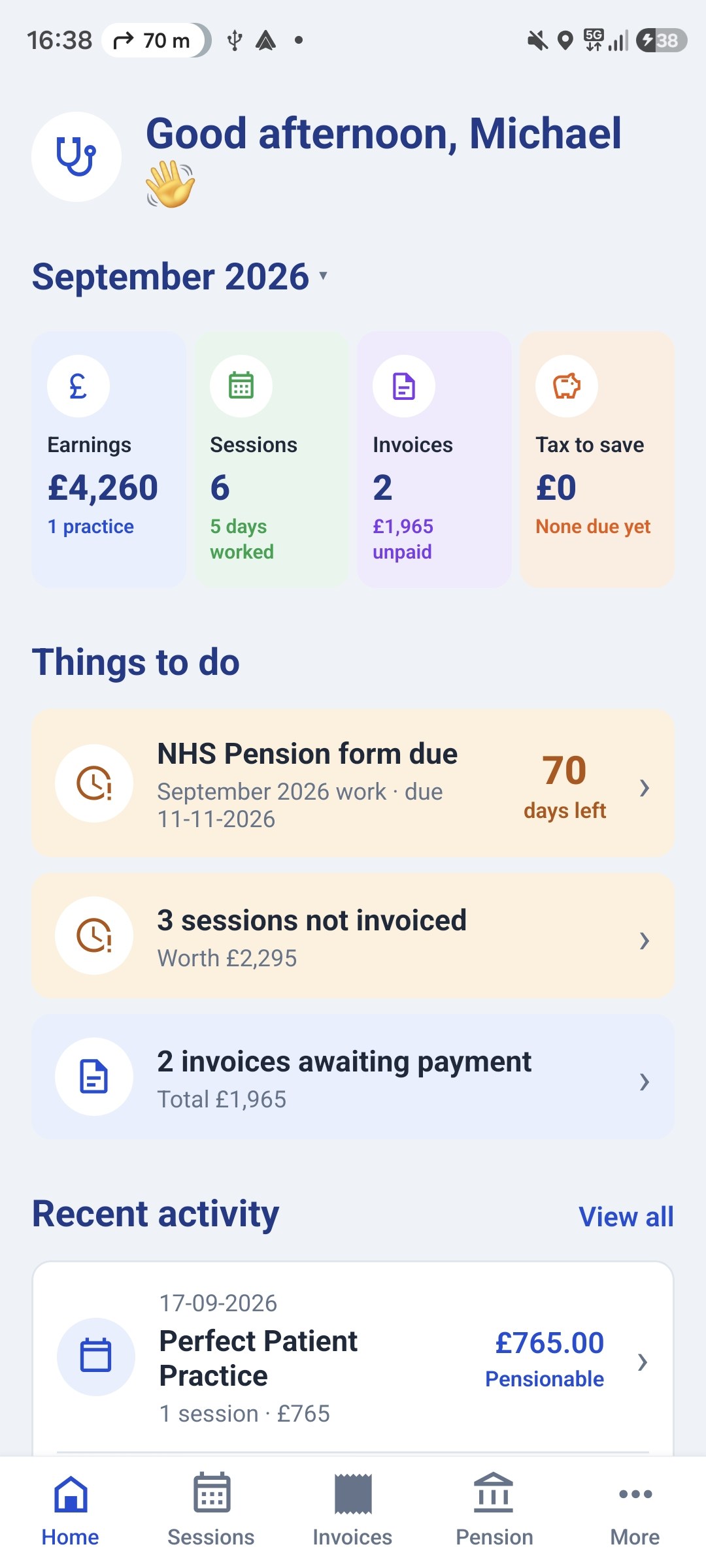
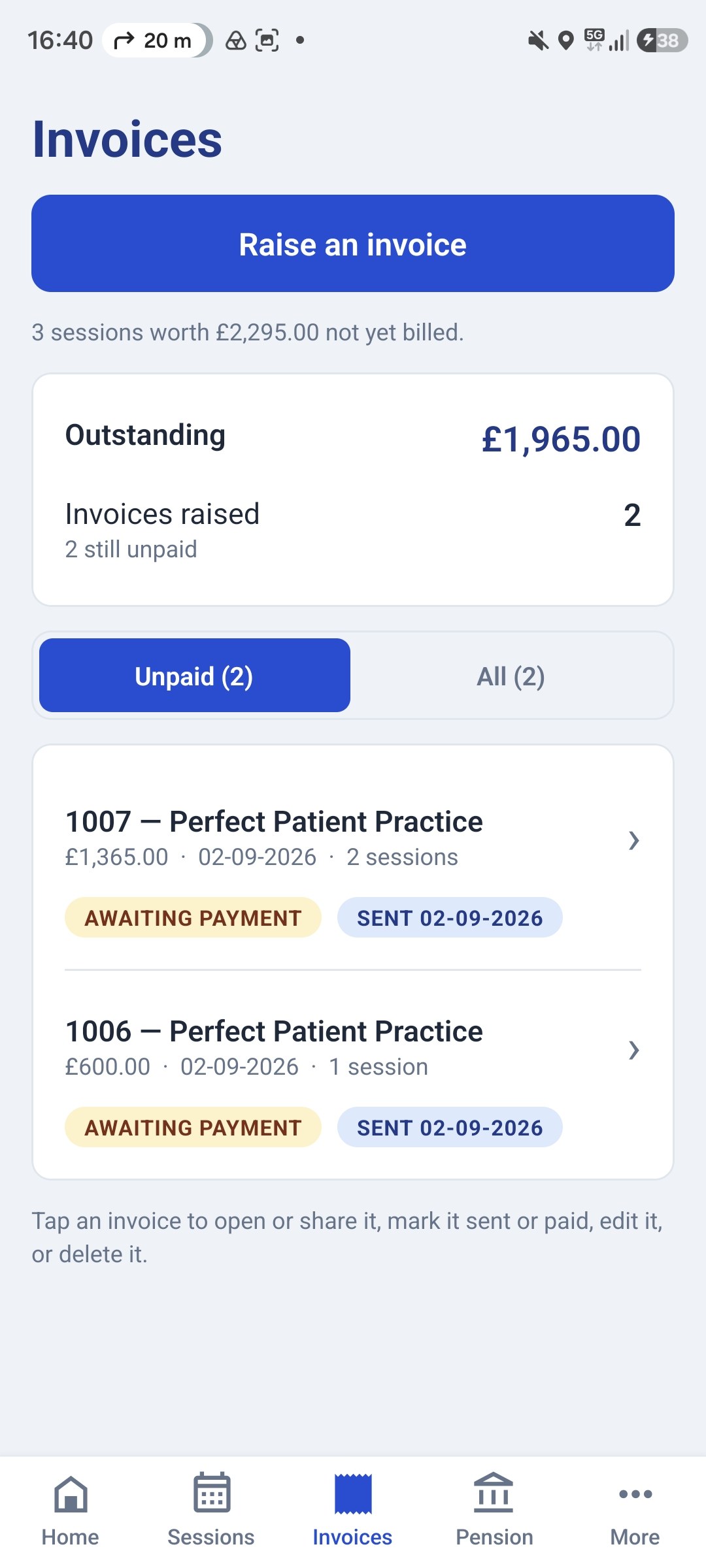
Free to start — on iPhone, Android and the web
Prefer to do this on your phone?
GP Locum records your sessions once, then raises the invoice from them, and fills your NHS Pension Form A and Form B from the same figures.
On the App Store for iPhone, Google Play for Android, and at gplocumapp.co.uk on any computer. Sign in on both and they stay in step.


GP Locum Invoice Template and Generator
Fill in the template below and download a professional invoice for a GP practice as a PDF. Your details are remembered on this device for next time, nothing is uploaded anywhere.
Prefer a file to fill in yourself? Download the blank Word template.
Your details
Saved in this browser so you only enter them once.
As it should appear on the invoice and the forms.
One line per line.
Bill to
The practice you worked for.
Sessions
One row per session or day worked.
Invoice details
Due 23/11/2026
Payment terms are already stated above the payment details, so there's no need to repeat them here.
Add your name, choose a practice, and enter at least one dated session with a rate.
What to look at next
- Locum Form A & Form B FillerFill the official NHS Pensions locum forms, the 90%, the 14.38%, every Form B total, and a warning before the 10-week deadline passes.
- Getting Started as a Locum GPThe complete checklist from CCT to your first session: performers list, indemnity, the paperwork practices ask for, HMRC, invoicing, pension forms and what to charge.
- Locum GP Pension GuideForms A and B, the 90% rule, the 10-week deadline, and the annualisation traps that cost locums pension.
This tool prepares an invoice from the figures you enter. It doesn't check them, and it isn't tax or financial advice.
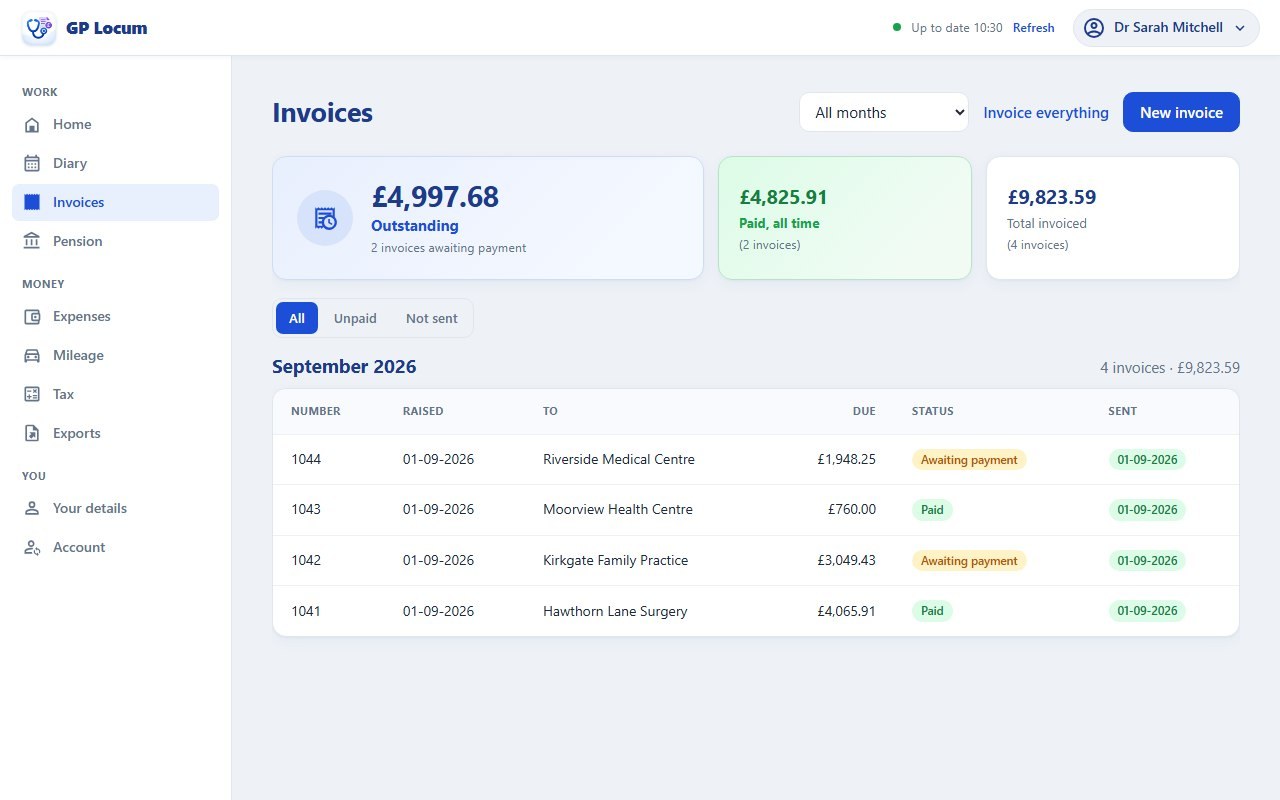
Free to start — on iPhone, Android and the web
Raise these on your phone instead?
GP Locum logs your sessions as you book them, turns them into an invoice, and fills your Form A and Form B. On your phone and on the website, kept in step.
A GP locum invoice template
There is no official invoice for locum work, so every locum ends up making their own. Whatever it looks like, a practice manager needs to find the same things on it:
- your name, address and contact details
- the practice’s name and address
- an invoice number and the invoice date
- each session worked: the date, what it was, and the rate
- the total, and when payment is due
- your bank details for payment
- if you are pensioning the work, the NHS pension employer contribution as its own line, so it is clear it is not part of your fee
The builder above is that template with the arithmetic done for you: fill it in and it produces the PDF. If you would rather have a file to edit yourself, download the blank Word template. It has the same layout, with a note on working out the pension line by hand.
What this tool does
It builds a professional PDF invoice for a GP practice. Your details and theirs, the sessions worked, your bank details for payment, and, if you are pensioning the work, the NHS pension employer contribution the practice owes on top of your fee.
Your own details are remembered on this device so the next invoice takes seconds, and they are shared with the Form A and Form B filler, which is the other half of the same job. Nothing is uploaded anywhere.
The one line worth getting right
The session lines are simple arithmetic. The pension line is not, and it is where locum invoices most often go wrong.
- It is 12.94% of your fee, not 14.38%. The employer contribution rate is 14.38%, but it applies to your pensionable pay, and a locum’s pensionable pay is 90% of the fee. Charge 14.38% of the fee and you have over-invoiced the practice; the correct figure as a share of the fee is 12.94%.
- It has to match box 3 of the Form A exactly. The practice signs a Form A saying what the employer contribution was, and you forward that money to PCSE. If the invoice and the form disagree, somebody is out of pocket and the reconciliation has to be unpicked. So this tool computes the line using the same functions that fill in the form, rather than applying a percentage to the invoice total.
- Amounts are held in whole pence. Fee to 90% to 14.38% is a chain of multiplications, and doing it in decimals drifts. These are figures someone pays, so each step is rounded explicitly.
- Leave it off if you are not pensioning the work. The line is optional, because a locum who is not pensioning a session has no employer contribution to collect.
A worked example
2 sessions at £350.00, pensioned:
- Fees, £700.00
- Pensionable pay, 90% of that, £630.00 (box 2 of the Form A; it does not appear on the invoice)
- NHS pension employer contribution, 14.38% of pensionable pay, £90.59 (box 3 of the Form A)
- Total the practice pays, £790.59
Note that £90.59 is 12.94% of the £700.00 fee. Invoicing 14.38% of the fee instead would have asked the practice for £10.07 more than the Form A will say they owed.
What it doesn't do
It produces a document. It is not an accounting system and none of this is tax advice.
- It does not send or chase anything. You download the PDF and email it yourself. Worth doing promptly: the matching Form A has to reach NHS Pensions within 70 days of the last day worked, and the practice has to sign it first.
- No VAT handling. There is no VAT line and no assumption made about your VAT position. If VAT is relevant to you, take advice on it.
- No bookkeeping. It does not track which invoices have been paid, produce statements, chase late payers, or total your year for Self Assessment. For what to set aside from the fees once they arrive, use the locum tax calculator.
- It assumes freelance locum work. Invoicing through a limited company, or for work that is not pensioned this way, has different requirements.
- Your details live in this browser only. That is deliberate. Your name, address and bank details are never uploaded, but clearing site data loses them, so use the export as a backup.
Frequently asked questions
- Is there a free GP locum invoice template?
- Yes, two ways. The builder on this page is a template you fill in online, which works out the NHS pension employer line (12.94% of the fee) and gives you a PDF. There is also a blank Word template to download and edit yourself, with the same layout and a note on calculating that line by hand.
- Do I add 14.38% to my locum invoice for the NHS pension?
- Not to the fee. The 14.38% employer contribution is charged on pensionable pay, and a GP locum's pensionable pay is 90% of the fee, so as a share of the fee it works out at 12.94%. On £700.00 of sessions the correct line is £90.59, giving a total of £790.59. Adding 14.38% of the fee instead would over-invoice the practice and disagree with box 3 of the Form A they sign.
- What should a GP locum invoice include?
- Your name and address, the practice's name and address, an invoice number and date, the dates and sessions worked with the rate for each, the total, your bank details for payment, and, if you are pensioning the work, the NHS pension employer contribution as its own clearly labelled line so the practice can see it is not part of your fee. This tool produces all of that as a PDF.
- Does the invoice have to match the pension Form A?
- The employer contribution figure does. The practice signs a Form A declaring that amount and you forward it to PCSE, so if your invoice says one number and the form says another, one of you is out of pocket. This tool computes the invoice line with the same code that fills in box 3 of the Form A, so the two reconcile to the penny, on the example above, both are £90.59.
- Do GP locums need to charge VAT?
- This tool does not add a VAT line and makes no assumption about your position. VAT treatment depends on what you are supplying and to whom, and it is worth asking an accountant rather than guessing from an invoice template.
- Where are my invoice details stored?
- In your browser, and nowhere else. Your name, address and bank details are saved on this device so you do not retype them, and are shared with the Form A and Form B filler on this site. Nothing is sent to a server. The site is static and has none. The trade-off is that clearing your browser data deletes them, so both tools let you export the saved details as a file to keep.
Sources
Checked August 2026. Rates and factors change. The primary source wins if it disagrees with anything here.
- NHS Pensions member hub - GP locum Forms A and B, NHSBSA, the employer contribution and what the practice signs
- GP pensions and locum forms, PCSE, where the contribution is paid
- GP locum pension guidance, BMA, pensionable pay as 90% of fees
Read the guide
Locum Form A & Form B Filler
Fill the official NHS Pensions locum forms, the 90%, the 14.38%, every Form B total, and a warning before the 10-week deadline passes.
Open tool →Getting Started as a Locum GP
The complete checklist from CCT to your first session: performers list, indemnity, the paperwork practices ask for, HMRC, invoicing, pension forms and what to charge.
Read guide →Locum GP Pension Guide
Forms A and B, the 90% rule, the 10-week deadline, and the annualisation traps that cost locums pension.
Read guide →GP Locum Session Rate Calculator
Turn a target take-home income into the session rate you need to charge.
Open tool →